
October 2026
ProdShot now uses the latest state-of-the-art image model
Every new product photo is created with the latest image model. It follows the original product more closely, and the photos look more realistic at the same time.
We upgraded the image model behind ProdShot. It stays closer to the item in your original photo, and it produces a more realistic result in the same image. Catalog shots, lifestyle scenes, apparel photos, and batch runs all use it. You still upload, choose a look, and download images that are ready for your store.
Photos made with the new model
These four photos were created in ProdShot after the upgrade. The striped dress appears twice, once as a flat lay and once on location, so the garment stays the same while the scene changes. The studio dress and the headphones show the same model on apparel and on a hard product.
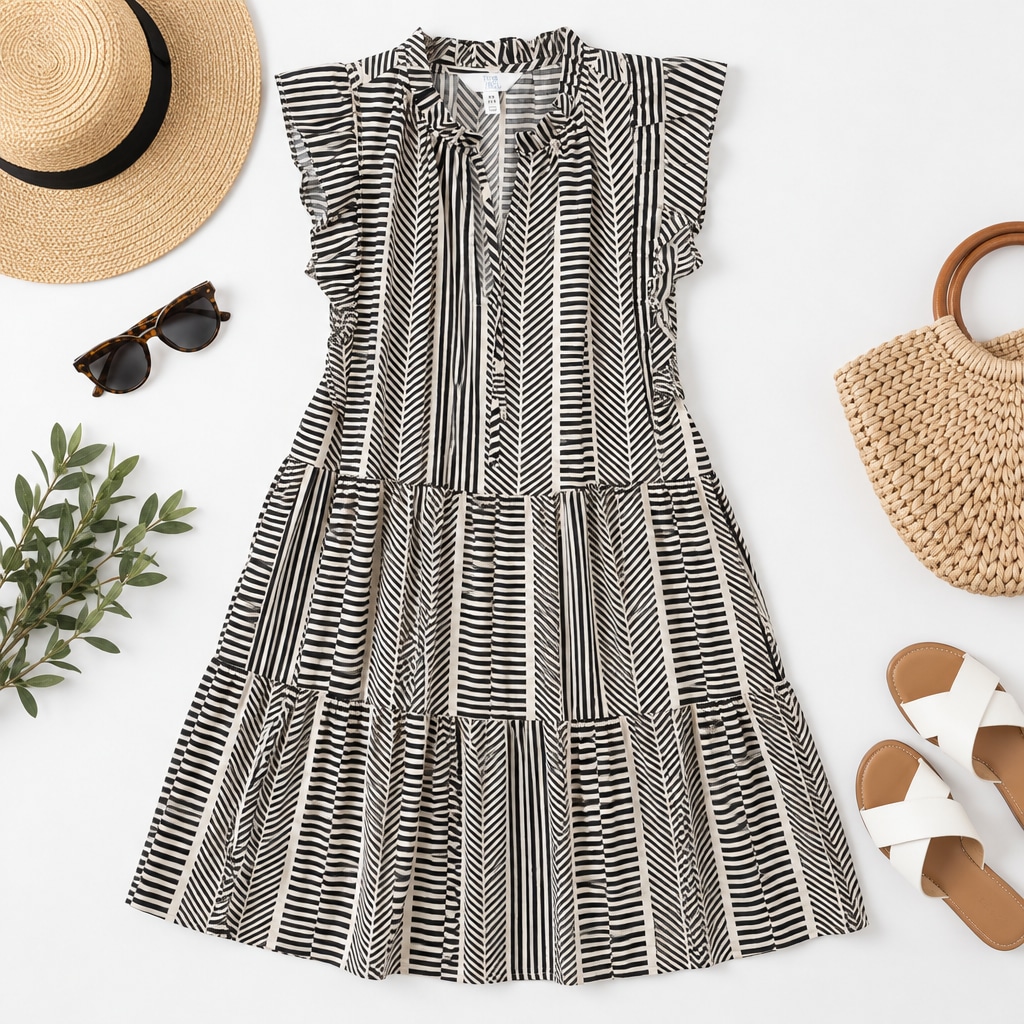
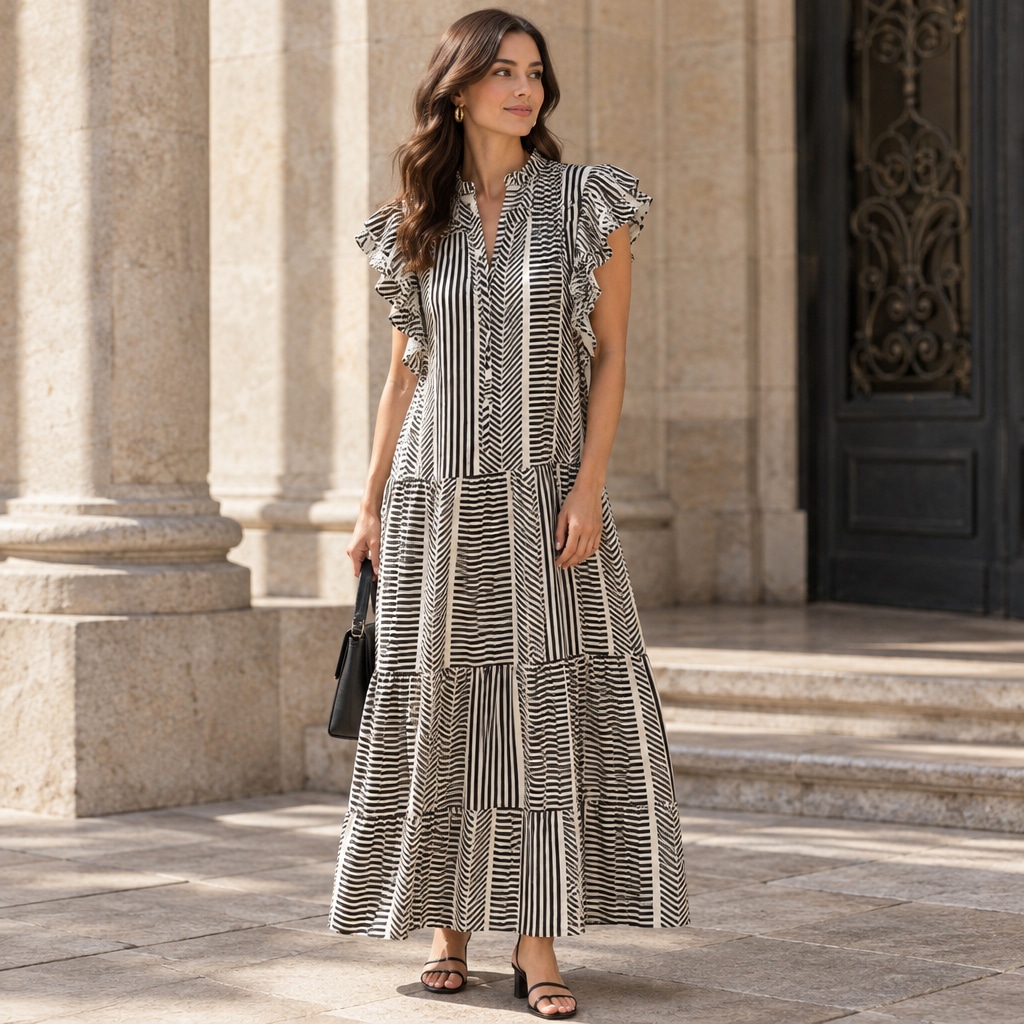
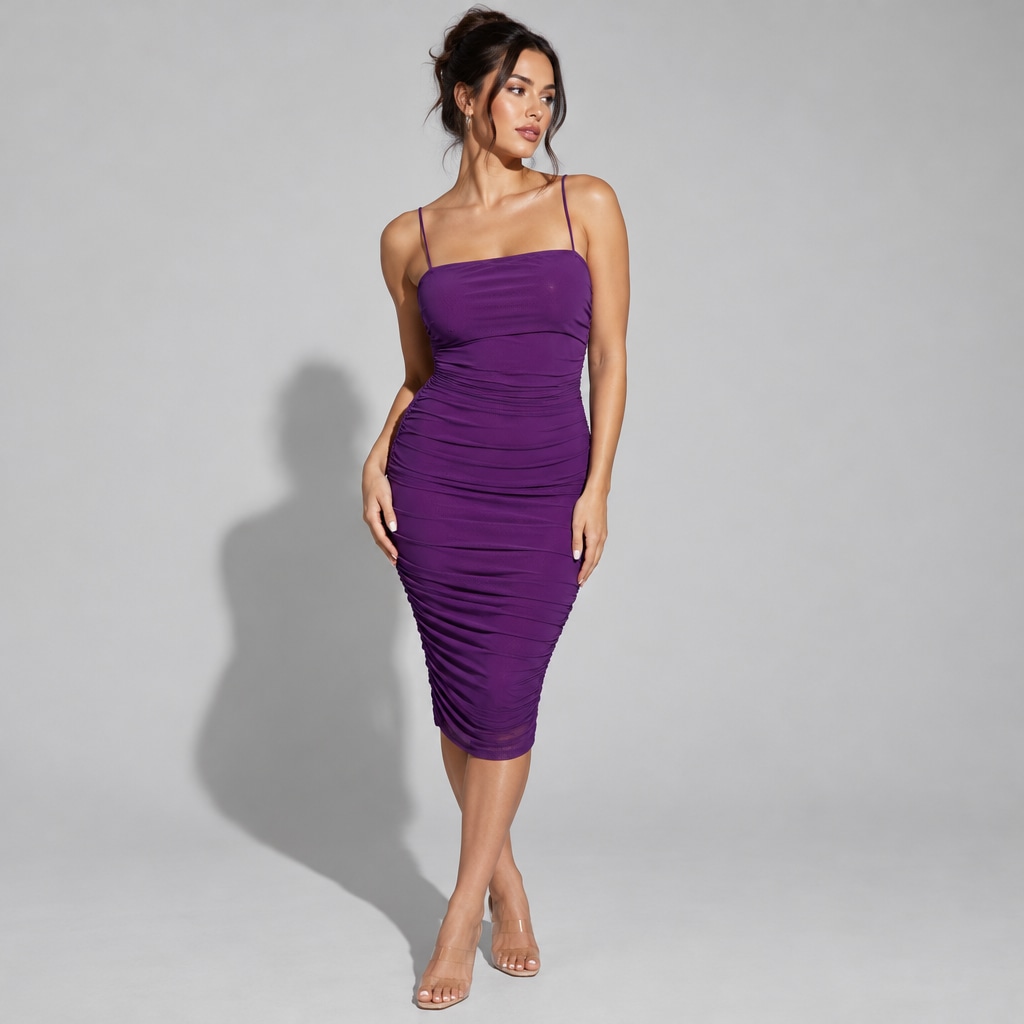
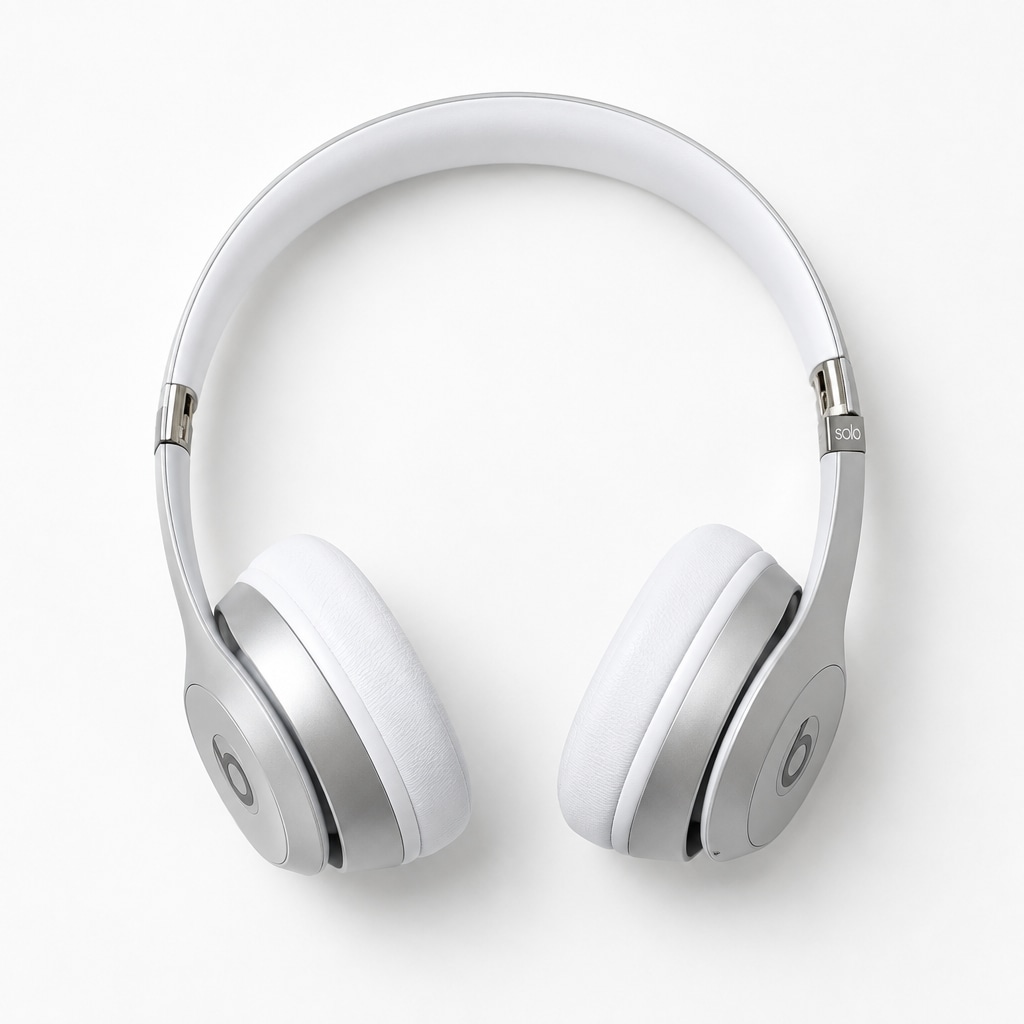
Closer to the product, and more realistic
The new model does both at once. It follows the original product item more closely: shape, color, packaging, and small details stay with the item you photographed. At the same time, the finished photo looks more realistic, with light, texture, and scenes that hold up on a product page.
That pairing matters for a listing. Shoppers see a photo that looks professionally shot, and the product in the image still matches the item they will receive.
It applies everywhere you already create
Single product photos, saved styles, and full listing sets use the new model. Batch create uses it too, so a catalog refresh keeps the same quality from the first SKU to the last. Apparel model shoots use it when you need clothing on a model.
Sellers on Shopify, Etsy, Amazon, and their own storefronts can publish the results as main images, secondary angles, and social crops. A phone photo is still enough to start.
How to try it
- Upload: Use a casual photo of the product, even one taken on a phone
- Choose a look: Pick a style, a saved preset, or a model template for apparel
- Download: Save the images for your listing, storefront, or ads